Part of the guide: Laravel on cPanel & Shared Hosting: The Complete Guide
PHP 8.2 End of Life: What to Do on cPanel Before 31 Dec
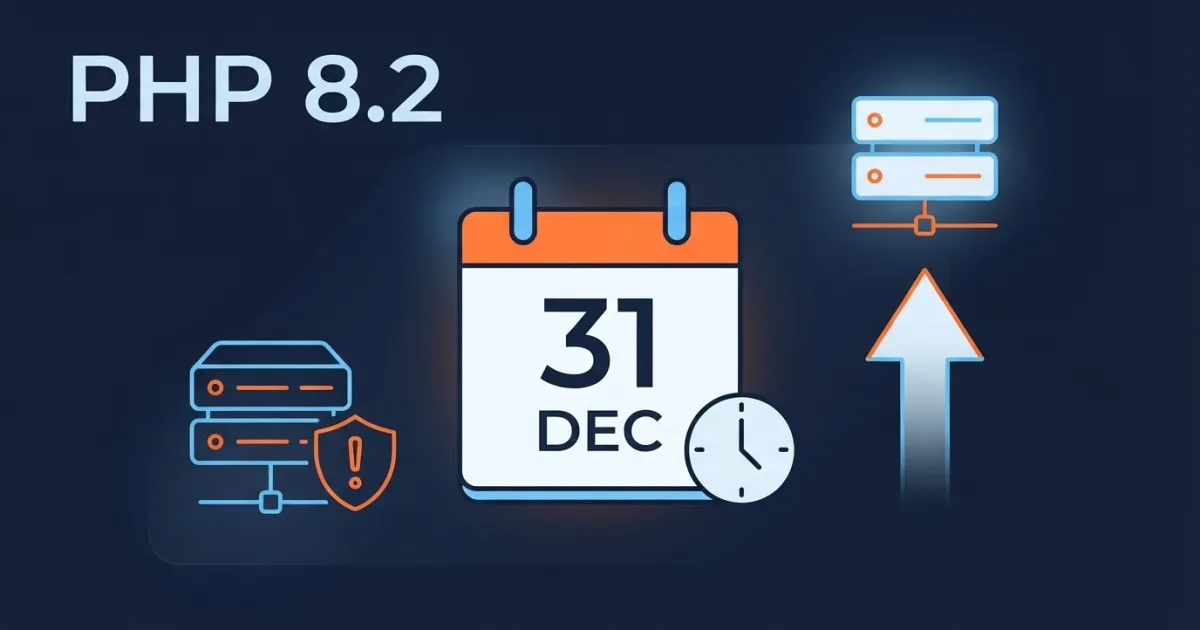
PHP 8.2 stops getting security fixes on 31 December 2026. After that date a newly found flaw in PHP 8.2 will not be patched by the PHP project. If your site or Laravel app on cPanel still runs 8.2, move it to PHP 8.3 or 8.4 before the end of the year. On most shared hosting the switch itself takes one minute in MultiPHP Manager; the real work is checking your code and packages first.
This guide gives the dates, how to see which version you are on, what to check before you switch, and how to change the version on cPanel without taking the site down.
Dates and versions in this article were checked on 18 November 2026.
PHP support dates at a glance
| PHP branch | Bug fixes until | Security fixes until | Status in November 2026 |
|---|---|---|---|
| 8.2 | 31 Dec 2024 | 31 Dec 2026 | Security fixes only, six weeks left |
| 8.3 | 31 Dec 2025 | 31 Dec 2027 | Security fixes only |
| 8.4 | 31 Dec 2026 | 31 Dec 2028 | Bug and security fixes |
| 8.5 | 31 Dec 2027 | 31 Dec 2029 | Bug and security fixes |
PHP 8.1 and everything older is already unsupported. PHP 8.6 is scheduled for release on 19 November 2026; shared hosts usually add a new branch some time after its release, so it is not the target for this move.
Which version to pick: PHP 8.4 is the safe choice for most sites. It has two more years of security fixes and has been in production use for almost two years. Choose 8.3 only if a package you depend on does not support 8.4 yet.
Why the date matters
"End of life" does not switch anything off. Your site keeps working on 1 January. What stops is the patching.
October 2026 showed what that means. Two critical remote code execution flaws in PHP itself, known as PHP2Shell, were fixed (what to do about the October 2026 PHP security update) on 21 October in PHP 8.5.12, 8.4.27, 8.3.36 and 8.2.35. Those four were the only releases. PHP 8.1 had reached end of life almost ten months earlier and was not on the list. From January, PHP 8.2 is in the same position.
Step 1: find out which PHP version you are really on
A cPanel account can use different versions in different places, so check all three.
The website. In cPanel open Software → MultiPHP Manager. The table "Set PHP Version per Domain" lists every domain and subdomain with its version. A domain marked "inherit" uses the server default shown at the top.
The command line. If you have Terminal or SSH access:
php -vThis is the version used when you type php artisan or composer. It is often different from the website's version: on some hosts the plain php command follows your MultiPHP setting, on others it does not.
Cron jobs. Open Advanced → Cron Jobs and read each command. If a scheduled Laravel command has stopped running, see Laravel schedule:run not working on cPanel. A line such as /opt/cpanel/ea-php82/root/usr/bin/php or /opt/alt/php82/usr/bin/php is pinned to 8.2 and will stay on 8.2 until you edit it, whatever you choose in MultiPHP Manager.
Step 2: check your code and packages before switching
Composer packages. In the project folder run:
composer why-not php 8.4It lists every package that blocks PHP 8.4. No output means nothing blocks it. Then check the PHP extensions your packages need:
composer check-platform-reqsLaravel. The Laravel version decides which PHP versions you can use (the full setup is in the Laravel on cPanel guide):
| Laravel | PHP versions | Security fixes until |
|---|---|---|
| 11 | 8.2 to 8.4 | Ended 12 March 2026 |
| 12 | 8.2 to 8.5 | 24 February 2027 |
| 13 | 8.3 to 8.5 | Q1 2028 |
A Laravel 12 app can move from PHP 8.2 to 8.4 without a framework upgrade. A Laravel 11 app can also run on 8.4, but Laravel 11 itself no longer gets security fixes, so plan that upgrade next. Laravel 13 never ran on 8.2.
Your own code. Most 8.2 code runs unchanged on 8.3 and 8.4. The change people meet most often on 8.4 is a deprecation notice for a typed parameter that defaults to null without saying so:
function send(Mailer $mailer = null) {}   // deprecated in PHP 8.4
function send(?Mailer $mailer = null) {}  // correct
It is a notice, not an error, but it fills the error log and old packages can trigger it thousands of times. The official migration guides for 8.3 and 8.4 list everything else.
Test before production. Set the new version on a subdomain or a local copy first, open the main pages, log in, submit a form, and run your scheduled commands once by hand.
Step 3: change the PHP version in cPanel
Your host offers one of two tools. Some offer both.
MultiPHP Manager (per domain)
- Open Software → MultiPHP Manager.
- Tick the domain you want to change.
- Choose the version in the PHP Version menu.
- Click Apply. The change takes effect straight away.
Select PHP Version (CloudLinux, per account)
- Open Software → Select PHP Version.
- Choose the version in the menu at the top and set it as current.
- In the extensions list on that page, tick the extensions you had before. Each version keeps its own list, so a new version can start without
intl,gd,ziporimagick.
Then finish the job:
- Edit every cron job that has a PHP path with
82in it. - Open the site and watch the error log for an hour (Metrics → Errors, or
storage/logs/laravel.log). - For Laravel, run
php artisan optimize:clearand thenphp artisan optimize.
If the site breaks after the switch
- Blank page or 500 error: a missing extension is the usual cause. Compare the extension list with the old version.
- The site still shows the old version: look in
.htaccessfor a cPanel block that starts with# php -- BEGIN cPanel-generated handler. A file copied from another server or restored from a backup can hold an old handler line. Save the version again in MultiPHP Manager so cPanel rewrites it. - Composer says "your PHP version does not satisfy that requirement": the command line is still on the old version. Call the new binary directly or ask the host to change the CLI default.
- You need more time: set the domain back to 8.2. It takes effect immediately and loses nothing. Do not leave it there past December.
If your host does not offer PHP 8.3 or newer
Open a ticket and ask for it. Server administrators add versions through WHM, and no serious host should be without 8.3 and 8.4 in late 2026. If the answer is no, that is a reason to move hosts: a server that cannot offer a supported PHP version is unlikely to be patched in other ways.
Some hosts on CloudLinux keep patching old PHP versions themselves after the official end of life. Ask your host in writing whether your 8.2 build will still get security fixes in 2027. Treat a yes as extra time to finish the upgrade, not as a reason to stay.
FAQ
Will my website stop working on 1 January 2027?
No. PHP 8.2 keeps running. It only stops receiving security fixes from the PHP project, so every flaw found after that date stays open on your server.
Is PHP 8.2 still safe today?
Yes, if it is up to date. PHP 8.2.35 from 21 October 2026 contains the PHP2Shell fixes. It is supported until 31 December 2026.
Should I go to PHP 8.3 or 8.4?
Go to 8.4 if your packages allow it. It has security fixes until the end of 2028, one year longer than 8.3.
Can I change the PHP version for one domain only?
Yes, with MultiPHP Manager, which sets the version per domain. The CloudLinux "Select PHP Version" tool sets one version for the whole account.
Does Laravel 12 work on PHP 8.4?
Yes. Laravel 12 supports PHP 8.2 to 8.5.
Why does php -v show a different version from my website?
They can be set separately. MultiPHP Manager always changes the website. Whether the plain php command in the terminal and in cron jobs follows it depends on the host, and a command with a full versioned path never does.